Two USB-C cables can look identical and behave nothing alike. One charges a laptop at full speed and moves video to a monitor. The other charges a phone slowly, carries no video and fails on anything else. The plug is the same, so the confusion is natural, and it is the main reason people say that USB-C charging is a mess when it is closer to a layered system that nobody explained.
This guide separates the layers: the connector, the data protocol, the charging protocol, the cable and the charger. It then explains the wattage tiers, what PPS adds, when a cable needs an electronic marker, why Quick Charge still appears on boxes, and how to read the small print on a charger so you can match it to a device without trial and error.
The connector is not the protocol
USB-C describes the physical shape of the plug and socket: small, oval and reversible. It does not say how fast data moves, whether video is carried or how much power flows. Those are separate specifications that a device may or may not support, and a USB-C port can be a simple charging socket on a pair of earbuds or a full featured port on a laptop with video, data and power.
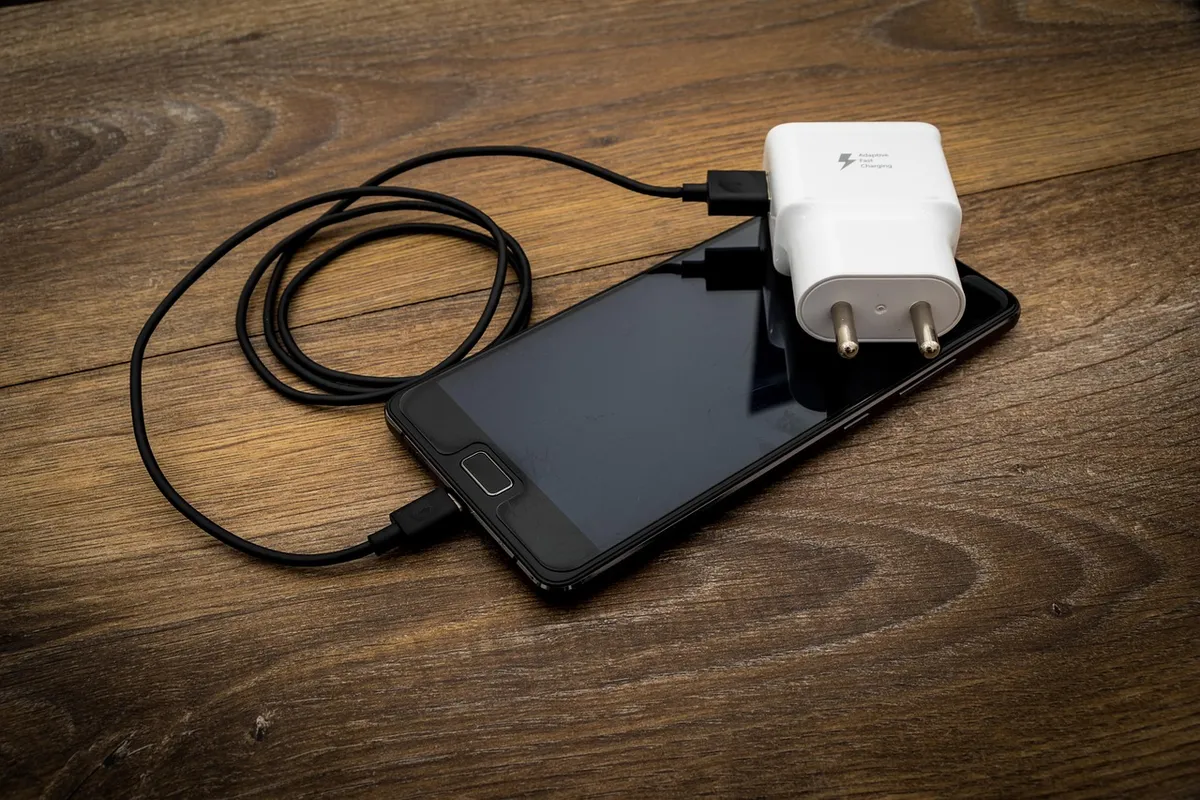
USB Power Delivery, abbreviated USB PD, is the charging protocol that works over USB-C. A charger and a device talk to each other over the cable, and agree on a voltage and a current that both support. Without PD, a USB-C charger falls back to 5 V at a modest current, which is the basic level any USB port provides, and is slow for anything large.
Data speed is a third, independent matter. A cable may carry only slow USB 2.0 data, or fast USB 3 or USB4 data, regardless of its charging capability. For a phone, this rarely matters. For an external drive, as discussed in our SSD versus HDD guide, the data rating of the cable and port sets the transfer speed, so a charge-only cable may fail to connect a drive at all.
How USB Power Delivery negotiates power
When you plug in a PD charger, the two devices exchange messages. The charger advertises a list of power profiles, each a pair of voltage and current, for example 5 V at 3 A, 9 V at 3 A, 15 V at 3 A and 20 V at 3 A. The device selects the one it wants and the charger switches to it. If the device is asking for more than the charger can give, it settles for the highest profile available, which is why a laptop on a weak charger simply charges slowly.
Power in watts is voltage times current. At 20 V and 3 A, that is 60 W. At 20 V and 5 A, it is 100 W. The higher voltage allows more power without a huge current, which keeps cable heating manageable. Standard PD tops out at 100 W, with the extended power range of newer revisions allowing higher levels up to 240 W at 48 V, intended for large laptops and some tools.
A charger that supports PD must list its profiles, and a good one prints them on the body or in the specifications. If it says only a maximum wattage with no profiles, check that PD is mentioned at all. A high watt output that is only available via a proprietary protocol will not charge a phone or laptop at that rate unless the device supports the same protocol.
| Power tier | Typical devices | Typical profile |
|---|---|---|
| Up to about 15 W | Earbuds, watches, older phones | 5 V at up to 3 A |
| 18 to 30 W | Current phones, small tablets | 9 V at 3 A, 12 V or 15 V, up to 20 V |
| 45 to 65 W | Thin laptops, large tablets | 20 V at 2.25 to 3.25 A |
| 100 W | Large laptops, docks | 20 V at 5 A, needs an e-marked cable |
| Above 100 W | Workstation laptops, some tools | Higher voltages under the extended range, special cable |
PPS and fine grained voltage
PPS, Programmable Power Supply, is an optional feature in later PD revisions. Instead of a handful of fixed voltage steps, the device can ask for a voltage in very small increments and adjust the current in real time. This lets a phone take just the voltage its battery needs at each moment, which reduces heat generated in the phone because it does less of the conversion itself.
Some phone makers rely on PPS to reach their top charging speed. A phone that supports PPS may charge noticeably faster, or run cooler, on a PPS capable charger than on a plain PD one of the same wattage. Without PPS, it still charges, but may fall back to a slower profile. If a manufacturer's fastest rate mentions PPS, check that your charger lists it.
PPS is invisible to most people and does not matter for a laptop or earbuds. It is worth a look when buying a charger specifically for a recent phone, and the charger's specifications will list PPS with a voltage range and a current limit. A charger that does not mention it probably does not have it.
Cables and e-markers
A cable carries the current, so it has limits. A standard USB-C cable without electronics is rated for 3 A, which at 20 V allows 60 W. For higher power, the PD specification requires cables carrying a small chip, called an electronic marker or e-marker, which tells the charger and device what the cable can handle. Without it, the charger will not offer more than 3 A.
That explains a common surprise: a 100 W laptop charger and a laptop that charge slowly because the cable supplied with a phone is not e-marked. The negotiation succeeds, but at a lower current. The remedy is a cable that states 100 W or 5 A, and ideally one sold with the charger. A cable that states only data speed tells you nothing about charging.
Length and build matter too. Longer cables have more resistance, so very long cables of low quality may drop voltage and deliver less. Cheap cables may lack the proper resistors or markers and, in the worst case, can damage a device. Buy cables from sellers that publish the wattage rating, and replace cables that become hot, frayed or loose at the plug.
Why a laptop charges slowly from a phone charger
A typical phone charger offers 18 to 30 W. A laptop designed for 65 W asks for 20 V at about 3.25 A. A phone charger may not offer 20 V at all, or may offer it at only 1.5 A, which is 30 W. The laptop then charges slowly, or only slows its battery drain while running, or in a few designs refuses to charge and says so on screen.
The reverse is harmless: a laptop charger with a phone works fine, because the phone only draws what it needs from the profile it selects. A higher wattage charger is not dangerous to a lower power device, provided the charger follows the PD standard. The device pulls the power, the charger does not push it.
If you want one charger for everything, choose one that supports PD up to the highest requirement in your household, and a cable rated for it. A single 65 W charger covers most phones, tablets and thin laptops. Multi port chargers share power across ports, so read the table of outputs for each combination. Many drop to a lower wattage per port when two are used.
There is also a practical side effect of fast charging worth knowing. Charging at higher power generates more heat in the phone, and phones slow the rate when the battery is warm or nearly full. That is why the first half of a charge is fast and the last part crawls, whatever the charger can supply. A phone in a thick case, on a bed or in the sun will charge slower still, and a charger with more watts does not override that protection.
Many makers also limit charging speed on purpose to protect battery life, and some offer a setting that holds the charge near 80 percent overnight. Those features are about battery aging and have nothing to do with the standard in use. If a phone charges slowly on a good charger, check those settings and the temperature before blaming the cable. Wireless charging is a different path again, with its own standard and lower efficiency, and it does not use the cable negotiation described here at all.
When something does not charge at all, work through the chain in order. Try another cable, then another charger, then clean the port gently with a wooden toothpick, since pocket lint compacts at the bottom of the socket and prevents the plug from seating fully. Most failures to charge turn out to be lint or a worn cable, not a standards problem.
Quick Charge, proprietary systems and compatibility
Before PD became widespread, Qualcomm Quick Charge and other proprietary systems offered fast charging on specific phones. Some chargers still list Quick Charge, and some phones still support it. Later versions of Quick Charge are designed to work alongside PD, but earlier ones use their own signalling and do not interoperate in a guaranteed way.
Several phone makers have their own fast charging systems, with names that sound alike but are not standards. A phone may charge at its fastest rate only with the maker's own charger and cable, and may fall back to a PD profile on a third party charger. No source documents a universal rule for each brand, so check the phone maker's own statement of which charger gives full speed.
For most buyers the safe approach is to pick a charger with PD, and PPS if you have a recent phone, and to treat proprietary names as a bonus. A charger that supports PD and the standard profiles will charge nearly anything at a reasonable rate, which is better than a charger that is fast only for one brand.
How to read a charger label
The small print on a charger lists output as pairs of voltage and current, for example 5 V 3 A, 9 V 3 A, 15 V 3 A, 20 V 3.25 A. The largest product of the pair is the maximum wattage. A line listing PPS ranges, such as 3.3 to 21 V at 3 A, shows PPS support. The input line is separate and tells you the mains voltage range, which matters for travel.
Check the number of ports and whether power is shared. A label that says 65 W total may mean 65 W from one port and 45 W plus 20 W when two are in use. Look for a safety mark appropriate for your region, and be wary of unmarked chargers. A fire safety certification is a better sign of quality than a high wattage claim.
- Match the highest profile to your device, for example 20 V for a laptop.
- Use a cable rated for the wattage, with an e-marker above 60 W.
- Check for PPS if you own a recent phone that mentions it.
- Read the shared output table for multi port chargers.
Power banks, headphones and other accessories
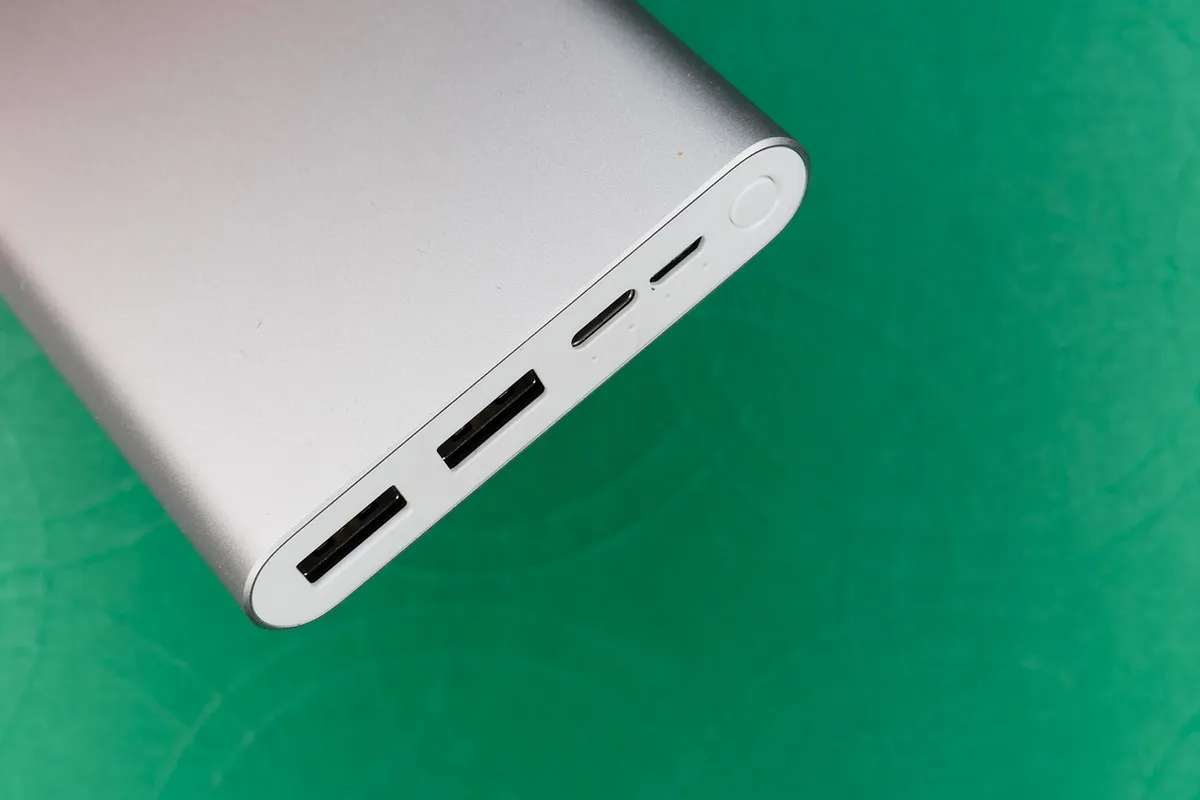
The same rules apply to banks. A bank must support PD at the wattage your device asks for, and its output on each port may drop when several are in use. Capacity and wattage are separate: see power bank capacity explained for how to convert and estimate charges. Small accessories such as earbuds and watches use little power and may not use PD at all.
Some devices, including certain earbuds and fitness trackers, do not negotiate and expect a plain 5 V supply. They work on a PD charger, which falls back to 5 V, but a few cheap devices without correct resistors may not charge from a USB-C to USB-C cable and only from an older USB-A cable. That is a fault of the device, not the charger. The charging habits of headphones are covered in how noise cancelling headphones work.
Finally, a note on safety. A PD charger that is correctly made limits the power a device can draw, and a device and cable follow protocol. Problems arise with poor quality products that skip the safety features. Buy known brands that publish specifications, and do not charge on a bed or under a pillow. Browse the tech and electronics category for related guides.
Frequently asked questions
Can I use any USB-C charger with any device?
Generally yes for safe charging, because the device draws only what it needs and the charger falls back to a basic level. Speed depends on matching protocols and wattage. A charger with PD at a suitable wattage and a good cable gives the best result.
Will a higher wattage charger damage my phone?
Not if it follows the PD standard, since the phone requests the profile it wants. A higher wattage charger simply offers more than the phone uses. Poorly made chargers that do not follow the standard are the real risk.
Do I need a special cable for fast charging?
For up to 60 W, a standard cable rated for 3 A is enough. Above that you need an e-marked cable rated for 5 A. For phones that use fast charging at lower wattage, most decent cables work, but a very thin or long cable can reduce the speed.
What is the difference between PD and Quick Charge?
PD is an open standard used on USB-C by many makers. Quick Charge is a Qualcomm system, with later versions designed to be compatible with PD. A PD charger is the safer general purpose choice.
Why does my phone charge slowly on a laptop port?
Laptop ports often provide only basic power or limited current, and some are data ports that do not offer PD at all. Use a wall charger for fast charging, and treat the laptop port as a slow top up.
Is a more expensive cable always better?
No. Price does not guarantee rating. Choose a cable that states its wattage and data speed, and comes from a seller that provides specifications. A well made cheap cable beats an unmarked expensive one.
The bottom line
Treat USB-C as a shape and look past it to the protocol, the wattage and the cable. A single PD charger sized for your most demanding device and a cable that states its rating will charge almost everything you own at a sensible speed.
For a recent phone, check for PPS. For a laptop above 60 W, use an e-marked cable. For multi port chargers, read the shared output table. These three checks resolve most of the confusion, and none requires technical knowledge beyond reading a label.
Buy from sellers that publish real specifications and safety marks, avoid unmarked bargains, and replace cables that run hot or wobble. Doing so makes charging dull, which is exactly what it should be.