
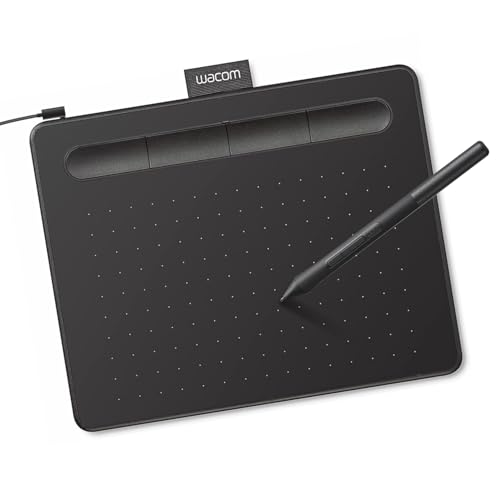


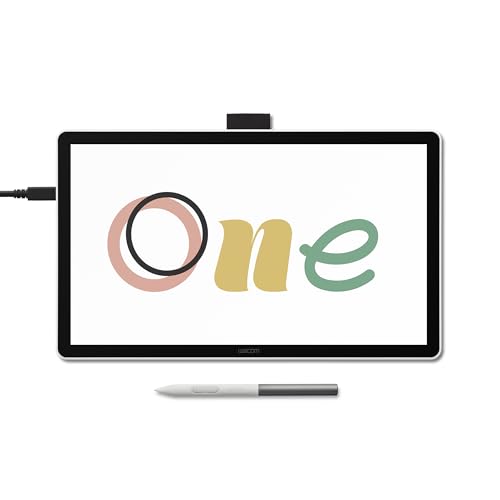
The Wacom Intuos Small is the standard entry-level tablet. It is a wired pen-only pad with a battery-free pen, four ExpressKeys for shortcuts and a bundled software package, and it works with all drawing programs. Wacom's pen technology is the benchmark the cheaper brands are measured against, and the listing notes it as what professionals use.
Compared with the Huion H640P, the Wacom has fewer shortcut keys but a more refined pen feel and broader driver support. Against the XPPen Deco 01 V3 its active area is smaller, so large strokes need smaller arm movement. It is a plain, durable pad that rewards practice rather than flashy specs.
Install the driver, map the tablet to your screen and set the pen pressure curve in the settings. Replace the pen nib when it wears down. For a beginner who wants the most reliable first tablet, this is the one. A good first-week routine is to practice lines, circles and a simple shaded sphere, which trains hand-eye coordination far faster than copying finished art.
What works
- Battery-free pen never needs charging
- Four ExpressKeys for common shortcuts
- Works with all drawing software
- Wacom pen feel and driver support
Watch out for
- Small active area suits detail more than large strokes
- Pen-only means no screen to draw on
- Fewer shortcut keys than rivals
Specs
- Type
- Pen-only tablet, wired
- Size
- Small
- Pen
- Battery-free
- Shortcuts
- 4 ExpressKeys
- Software
- Bundled creative software